Coding Learning Path Quiz
Answer these questions to find your ideal starting point for learning to code in 2026.
Question 1: What is your primary goal?
Question 2: How much time can you dedicate per week?
Question 3: What is your budget for learning?
Question 4: How do you prefer to learn?
Your Recommended Path
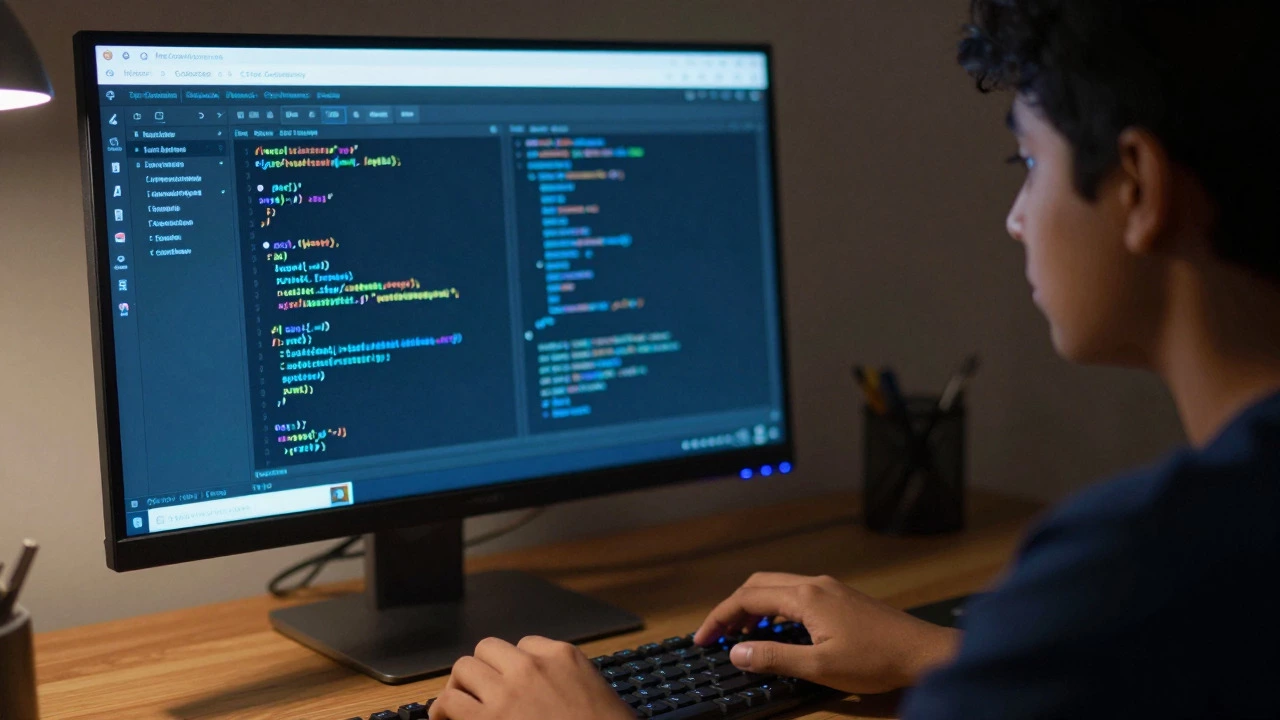
You stare at your screen, cursor blinking in an empty text editor. You want to build something-maybe a website, maybe a script that automates your boring spreadsheet tasks-but you have no idea where to start. The internet is flooded with options: freeCodeCamp, university degrees, expensive bootcamps, YouTube tutorials. It’s overwhelming. Here is the truth: there is no single "best" place. The right choice depends entirely on how you learn, what you want to build, and how much time you can spare.
Start With Free Interactive Platforms
If you have zero budget and want to test if you even like coding, start here. These platforms are designed specifically for people who get bored by long video lectures. They force you to write code immediately.
freeCodeCamp is a non-profit organization that offers a comprehensive curriculum covering web development, data analysis, and machine learning. Its structure relies on interactive coding challenges followed by real-world projects. You don't just watch; you type. If your code doesn't run, you fix it. This immediate feedback loop is crucial for beginners because it prevents the "tutorial hell" trap where you feel like you're learning but can't build anything alone.
Another strong contender is Codecademy. While it has paid tiers, its free basic courses in Python and JavaScript are excellent for syntax familiarity. The interface splits the screen: instructions on the left, code editor on the right. It’s less about deep theory and more about muscle memory. Use this if you want to see if you enjoy the act of writing syntax before committing to a harder language.
- Pros: Zero cost, instant feedback, structured paths.
- Cons: Can feel hand-holdy; you might struggle when moving to a blank file.
- Best for: Absolute beginners testing their interest.
Choose a Structured Video Course When You Need Guidance
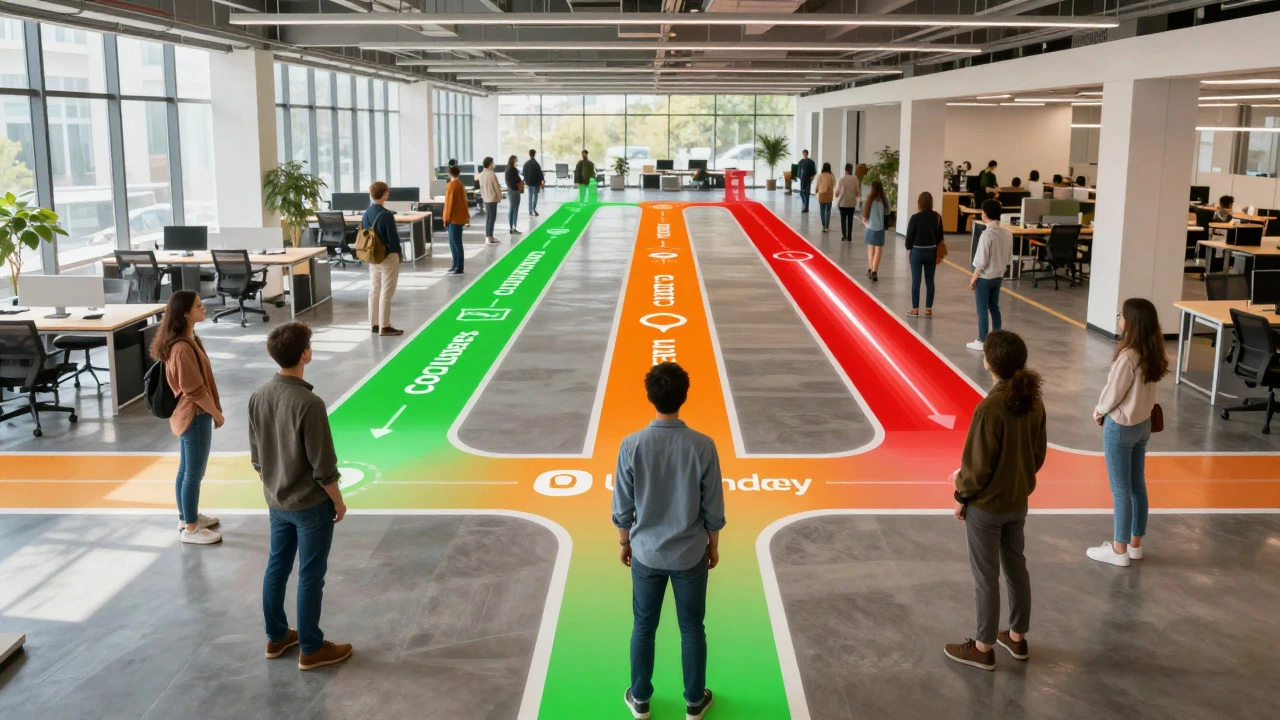
Sometimes, interactive platforms aren't enough. You need someone to explain *why* things work, not just *how* to type them. This is where massive open online courses (MOOCs) shine. But be careful: many are outdated. In 2026, look for courses updated within the last 18 months.
Coursera partners with universities like Stanford and Michigan to offer rigorous introductory courses. Andrew Ng's Machine Learning specialization is famous, but his "Python for Everybody" course is better for pure beginners. The advantage here is academic rigor. You'll learn computer science fundamentals, not just library calls. However, these courses often require discipline. There is no instructor checking your homework daily.
Udemy works differently. It’s a marketplace. You buy individual courses, often on sale for $15-$20. Look for instructors with high ratings and recent updates. Angela Yu’s "100 Days of Code" is a staple for Python learners. Her teaching style is conversational and project-based. Unlike Coursera, Udemy courses are self-paced and often shorter, focusing on practical outcomes like building a game or a scraper.
| Platform Type | Cost | Structure | Best For |
|---|---|---|---|
| Interactive (freeCodeCamp) | Free | Highly Guided | Absolute Beginners |
| University MOOC (Coursera) | $49/mo or Audit Free | Academic/Theoretical | CS Fundamentals |
| Marketplace (Udemy) | $15-$20 per course | Project-Based | Specific Skills |
| Bootcamp | $5k-$15k | Intensive/Immersive | Career Switchers |
Consider a Bootcamp Only If You Need Accountability
Do you procrastinate? Do you quit every hobby after two weeks? Then a self-paced course might fail you. A coding bootcamp forces structure. Programs like General Assembly or BrainStation offer immersive experiences lasting 12-24 weeks. You attend live sessions, collaborate with peers, and complete capstone projects.
The cost is significant-often between $5,000 and $15,000. Is it worth it? Only if you lack the discipline to study alone or need networking connections. Bootcamps also teach soft skills like teamwork and presentation, which are vital for junior developer roles. However, they move fast. If you miss a week, you’re behind. Avoid bootcamps that promise "job guaranteed" without vetting their placement rates. Ask for data: What percentage of graduates got jobs in under six months?
Don’t Ignore Community and Mentorship
Coding is lonely if you do it alone. One of the biggest hurdles for beginners isn't logic errors; it's getting stuck for hours on a simple bug. This is where community platforms save your sanity.
Stack Overflow remains the largest repository of programming questions. Use it wisely: search first, then ask. Your question must show what you tried. Another powerful tool is Discord servers dedicated to specific languages. The Python Discord server, for instance, has thousands of active members who answer questions in minutes. Being part of a community keeps you motivated. You see others struggling too, which normalizes the frustration.
Mentorship accelerates learning. Platforms like ADPList connect you with senior engineers for free 30-minute chats. You can ask career questions or get code reviews. This human element is missing from most automated platforms. Don't underestimate the value of having someone say, "Hey, try debugging this way," instead of reading documentation for three hours.
Pick the Right Language First
Beginners often argue over Python vs. JavaScript. Stop arguing. Pick based on your goal.
- Want to build websites? Start with HTML, CSS, then JavaScript. It’s visual and rewarding.
- Interested in data or AI? Choose Python. Its syntax is clean, and libraries like Pandas make data manipulation easy.
- Want mobile apps? Swift for iOS or Kotlin for Android. These are steeper curves but essential for native performance.
- Curious about systems? C or Rust. Harder, but you’ll understand how computers actually work.
In 2026, Python remains the most beginner-friendly due to its readability. JavaScript is unavoidable if you touch the web. Don't jump between languages. Stick to one for at least three months. Mastery comes from depth, not breadth.
Build Projects, Not Just Certificates
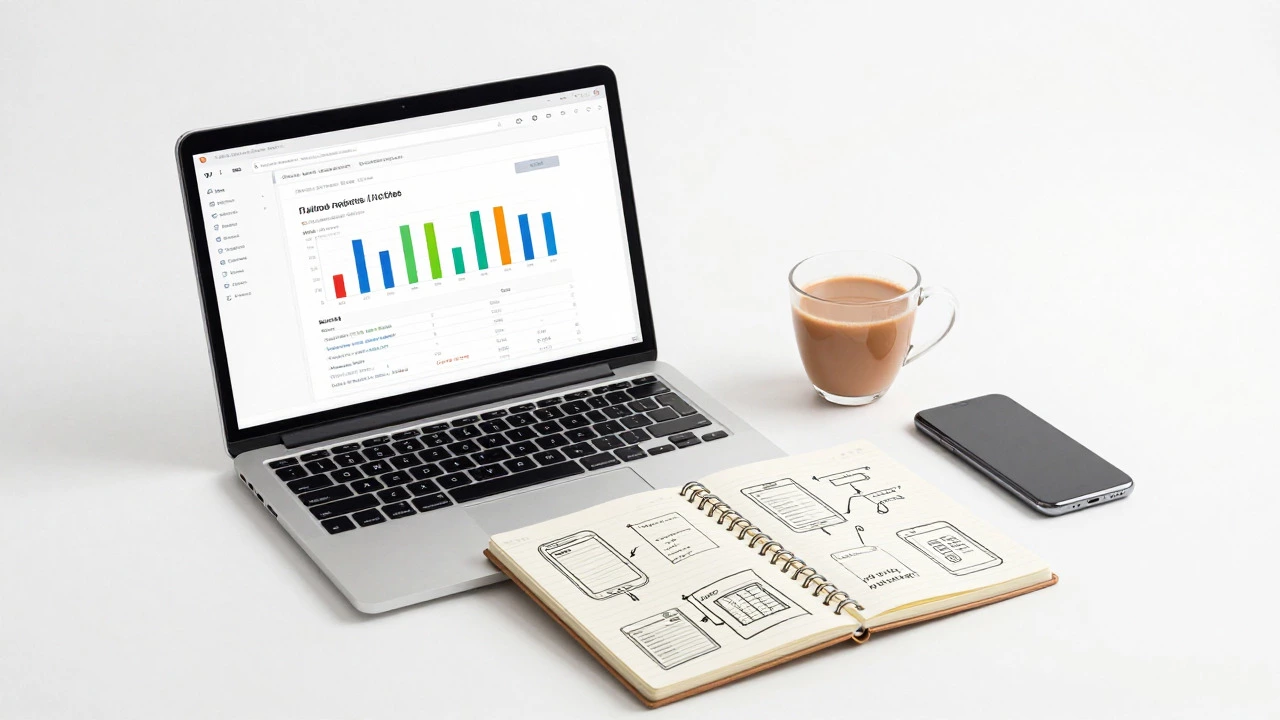
Employers don't care about your completion badge from freeCodeCamp. They care about what you built. After finishing a tutorial series, close the browser. Open a blank file. Try to rebuild the project from scratch. Then, add a feature nobody taught you.
For example, if you built a To-Do list app, add local storage so data persists after refresh. Or change the UI theme. This breaks the dependency on tutorials. Your GitHub profile should show messy, imperfect projects, not just cloned repositories. Document your code. Write a README explaining what the project does and why you made certain choices. This demonstrates communication skills alongside technical ability.
Common Pitfalls to Avoid
Most beginners fail because they consume too much and produce too little. Watching ten hours of videos feels productive, but it’s passive. Aim for a 1:3 ratio-one hour of learning for every three hours of coding.
Another mistake is ignoring version control. Learn Git early. Commit your code daily. It saves you from losing work and teaches professional workflows. Finally, don't chase shiny new frameworks. React, Vue, Angular-they all solve similar problems. Master JavaScript fundamentals first. Frameworks change; core concepts don't.
Next Steps for Your Journey
Here is your action plan for the next 30 days:
- Day 1-7: Sign up for freeCodeCamp or Codecademy. Complete the basic syntax module for Python or JavaScript.
- Day 8-14: Pick a small project idea (calculator, weather app). Build it using only documentation and Google.
- Day 15-21: Join a Discord community. Post your project link. Ask for feedback.
- Day 22-30: Refactor your code. Add comments. Push to GitHub.
This routine builds confidence faster than any degree. Remember, everyone starts bad. The difference between those who succeed and those who quit is consistency, not talent.
Is it better to learn Python or JavaScript first?
It depends on your goal. Choose Python if you are interested in data science, automation, or general-purpose scripting because its syntax is closer to English. Choose JavaScript if you want to build websites or web applications, as it is the only language that runs natively in browsers. Both are excellent starting points in 2026.
How long does it take to learn to code as a beginner?
To become job-ready, expect 6 to 12 months of consistent study (10-20 hours per week). To grasp the basics and build simple projects, you can achieve proficiency in 2-3 months. Speed varies based on prior logical reasoning skills and time commitment.
Are coding bootcamps worth the money?
They are worth it if you need accountability, networking, and career services. If you are self-disciplined, you can learn the same material for free or cheap online. Check the bootcamp's job placement rate and alumni reviews before paying.
Do I need a computer science degree to get a coding job?
No. Many successful developers are self-taught or bootcamp graduates. Employers prioritize portfolios and problem-solving skills over degrees. However, a CS degree helps for specialized roles in algorithms, AI research, or large enterprise companies.
What is the best free resource for absolute beginners?
freeCodeCamp is widely considered the best free resource due to its structured curriculum, interactive exercises, and certification paths. Harvard's CS50x is another excellent free option that provides a deeper understanding of computer science fundamentals.