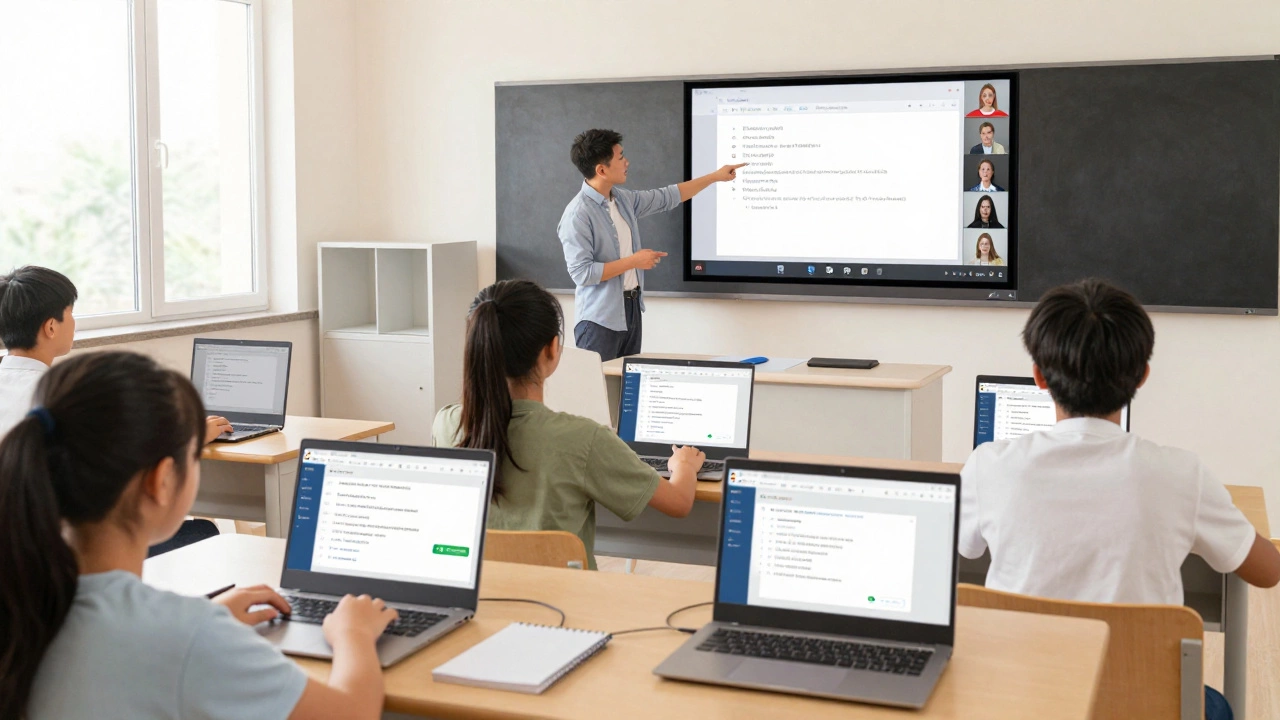
Google Classroom Knowledge Check
How Well Do You Know Google Classroom?
Test your understanding of this powerful digital platform with this 5-question quiz.
Google Classroom isn’t just a tool for handing out homework. It’s a full digital platform built for teaching and learning in the modern classroom. If you’ve ever wondered whether it’s just another app or something bigger, the answer is clear: yes, it’s a digital platform - and it’s designed to handle everything from assignments to grading to communication, all in one place.
What Makes Something a Digital Platform?
A digital platform isn’t just software. It’s a system that connects people, tools, and data to support a specific workflow. Think of it like a digital campus: students log in, teachers post lessons, assignments get submitted, grades are returned, and feedback flows back and forth - all without paper.
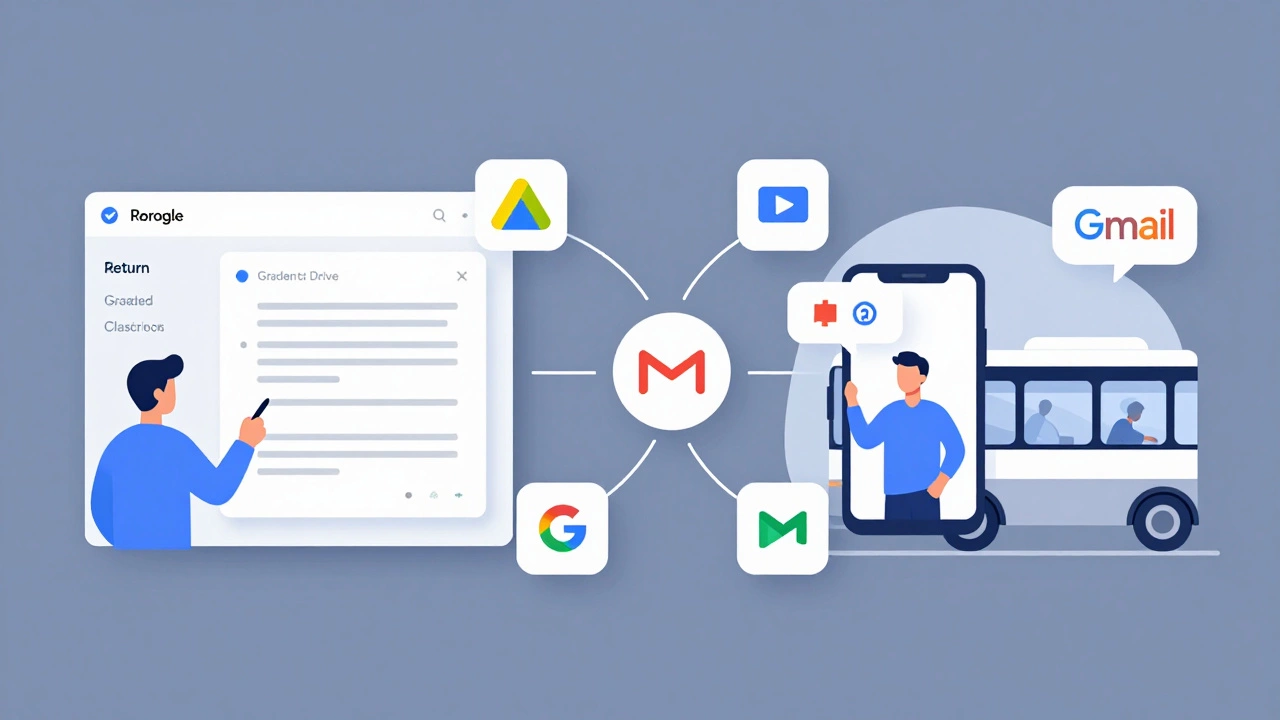
Google Classroom fits this definition perfectly. It doesn’t just store files. It links Google Drive, Gmail, Google Calendar, and Google Meet into a single teaching environment. Teachers don’t need to juggle multiple apps. Students don’t need to hunt for links across emails and websites. Everything lives inside Classroom.
How Google Classroom Works as a Platform
At its core, Google Classroom is built on three pillars: content delivery, assignment management, and communication. Each of these isn’t a standalone feature - they’re interconnected parts of a larger system.
When a teacher creates an assignment, it’s not just a PDF attached to an email. It’s a live item in a structured course. Students see it in their feed. They open it, complete it in Docs or Sheets, and submit it directly. Teachers can annotate responses in real time, leave voice comments, and return graded work with a single click. All of this happens inside the same interface.
Classroom also pulls in Google Drive automatically. Every assignment, student submission, and resource is stored in a folder tied to the class. No more lost USB drives or emailed attachments. Everything is searchable, organized, and backed up in the cloud.
It’s Not Just for Schools
Many people assume Google Classroom is only for K-12. That’s not true. Colleges, adult education centers, and even corporate training teams use it. A community college in Ontario uses Classroom to manage weekly readings and discussion boards for its online nursing program. A small language school in Toronto uses it to track student progress across three levels of English.
Why? Because it’s simple. Teachers don’t need coding skills or IT support. Students don’t need to learn new logins. If they already have a Google account - which most do - they’re ready to go. That’s the power of a well-designed platform: it lowers the barrier to entry.
How It Compares to Other Learning Tools
There are other platforms out there - Moodle, Canvas, Blackboard - but they’re often complex. They require setup by IT teams, custom configurations, and training sessions. Google Classroom skips all that.
Here’s a quick comparison:
| Feature | Google Classroom | Canvas | Moodle |
|---|---|---|---|
| Setup Time | Under 5 minutes | Hours to days | Days to weeks |
| Integration with Google Tools | Native | Requires plugins | Requires manual setup |
| Student Access | Google account only | Username/password | Username/password |
| Mobile App | Yes, iOS and Android | Yes | Yes |
| Cost for Schools | Free (with Google Workspace for Education) | Paid licensing | Free but needs hosting |
Google Classroom wins on speed and simplicity. It’s not built for advanced analytics or complex grading rubrics - but most teachers don’t need those. They need to get lessons out, collect work, and give feedback. Classroom does that without friction.
Real Limitations You Should Know
It’s not perfect. Google Classroom doesn’t have built-in quizzes like Kahoot or Quizizz. You can’t create interactive simulations or adaptive learning paths. It doesn’t track time spent on tasks or generate detailed progress reports.
If you’re a high school teacher running a full digital curriculum with video lessons, peer reviews, and badges, you might find Classroom too basic. But if you’re a middle school teacher trying to reduce paper use and keep students on track, it’s one of the best tools you can use.
Also, it’s tied to Google. If your school blocks Google services, or if parents don’t want their kids using Google accounts, Classroom won’t work. That’s why some districts use Microsoft Teams for Education instead - it’s the same idea, but built on Microsoft’s ecosystem.
Why It’s Still the Most Popular Choice
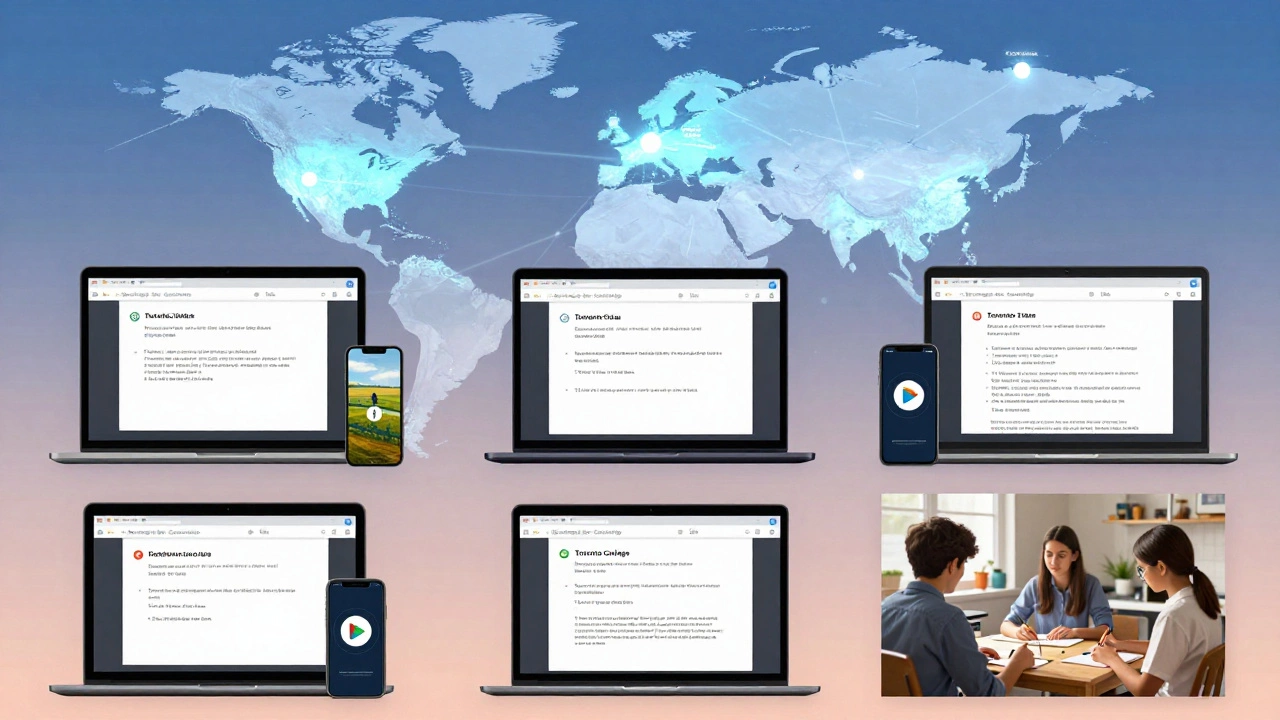
Over 150 million students and teachers use Google Classroom worldwide. That’s not because it’s the most powerful - it’s because it’s the most practical.
It works on old laptops, Chromebooks, tablets, and even smartphones. It doesn’t need high-speed internet to function. Students can download assignments offline and submit them later. Teachers can grade on their phones during a commute.
And it’s free. Not “free trial.” Not “free for schools with 500+ students.” Free for any school, any teacher, any student with a Google account. That’s why it’s still the go-to tool in public schools across Canada, the U.S., and beyond.
What You Can Do With It Today
If you’re a teacher, here’s what you can do right now:
- Create a class with a code students can join
- Post announcements, links, or videos
- Assign a Google Doc for homework
- Set a due date and get automatic reminders
- Grade submissions with comments or voice notes
- Send private messages to individual students
- Integrate with Google Meet for live check-ins
If you’re a student, you can:
- See all your assignments in one place
- Submit work without emailing anyone
- Get feedback without waiting for paper
- Join class meetings with one click
- Organize your work by class, not by folder chaos
That’s it. No extra modules. No confusing menus. Just the essentials - done well.
Is It the Future of Learning?
It won’t replace everything. You still need hands-on labs, group projects, and face-to-face discussions. But for the day-to-day flow of school - assignments, feedback, communication - Google Classroom has become the backbone.
It’s not flashy. It doesn’t have AI tutors or virtual reality classrooms. But it solves the real problem: making teaching and learning less messy. And in education, that’s often more valuable than any shiny new feature.
So yes - Google Classroom is a digital platform. Not because it says so on its website. But because it connects people, tools, and data to make learning happen - every single day, in thousands of classrooms around the world.
Is Google Classroom the same as Google Drive?
No. Google Drive is a cloud storage service where files are kept. Google Classroom is a teaching platform that uses Drive to store assignments and student work. Classroom organizes your files into classes; Drive just stores them.
Can parents use Google Classroom?
Parents can’t log in directly, but teachers can invite them to receive weekly summaries of their child’s work. These emails show missing assignments, upcoming due dates, and class announcements - without giving parents access to the full platform.
Does Google Classroom work without internet?
Yes, partially. Students can download assignments and work offline using the mobile app. Once they reconnect to the internet, their work syncs automatically. Teachers can’t grade offline, but they can view assignments and leave comments later.
Is Google Classroom secure for kids?
Google Classroom follows strict privacy rules for students under 13. It doesn’t show ads, doesn’t track browsing habits, and doesn’t use student data for marketing. Schools must agree to Google’s Education Privacy Policy to use it, which limits data collection to educational purposes only.
Can I use Google Classroom for homeschooling?
Yes. Many homeschooling families use it to organize lessons, track progress, and share resources. You’ll need a personal Google account, and you can create a class for your child. It’s not designed for homeschooling, but it works well for simple, structured learning.