Google Course Builder Suitability Analyzer
Based on the article's insights, determine if the Google Workspace stack or a dedicated LMS is the right choice for your specific situation.
You’ve heard the buzz. You know Google dominates search, email, and cloud storage. So, when you need to build an online course, your brain naturally jumps to Google. It feels like the obvious place to start. But here is the hard truth: Google does not have a dedicated "course builder" in the way you might think.
If you are looking for a tool that lets you drag-and-drop video lessons, create quizzes, issue certificates, and sell access all in one place-like Teachable or Kajabi-Google doesn’t offer that out of the box. However, saying Google has "no tools" would be misleading. They have powerful components that educators use to piece together their own learning management systems (LMS). The question isn't just "does it exist," but "can you actually build a course with what they give you?"
The Short Answer: No Native Builder, Yes Workarounds
Let’s clear the air immediately. If you go to the Google Workspace marketplace or search for "Google Course Creator," you won’t find a single product labeled as such. Google’s strategy has always been about providing infrastructure-storage, communication, and collaboration-rather than finished educational products.
This distinction matters because it changes how you work. With a dedicated platform like Thinkific or LearnDash, you get a pre-built student experience. With Google, you are the architect. You have the bricks (Docs, Slides, Drive), but you have to design the house yourself. For some creators, this freedom is a dream. For others, it’s a nightmare of setup time. Understanding which camp you fall into will save you hours of frustration.
Google Classroom: Closest Thing to an LMS
When people ask about Google’s education tools, they usually mean Google Classroom, a free web service developed by Google for schools that aims to simplify creating, distributing, and grading assignments. Released in 2014, it was designed primarily for K-12 and higher education institutions, not necessarily for commercial course creators.
So, can you use Google Classroom to build a course? Technically, yes. Here is how it functions:
- Content Delivery: You can post announcements, attach PDFs from Google Drive, and embed YouTube videos directly into assignments.
- Assessment: It integrates seamlessly with Google Forms, allowing you to create multiple-choice quizzes and short-answer tests that auto-grade themselves.
- Organization: Courses are organized into "classes." You can have multiple classes for different topics or cohorts.
However, there are significant gaps if you are trying to run a professional training business. Google Classroom lacks a native payment gateway. You cannot charge students directly through the platform. It also doesn’t offer beautiful, customizable landing pages where users can browse courses and buy them instantly. It is strictly an internal delivery mechanism, not a storefront.
Piecing Together a Course with Google Workspace
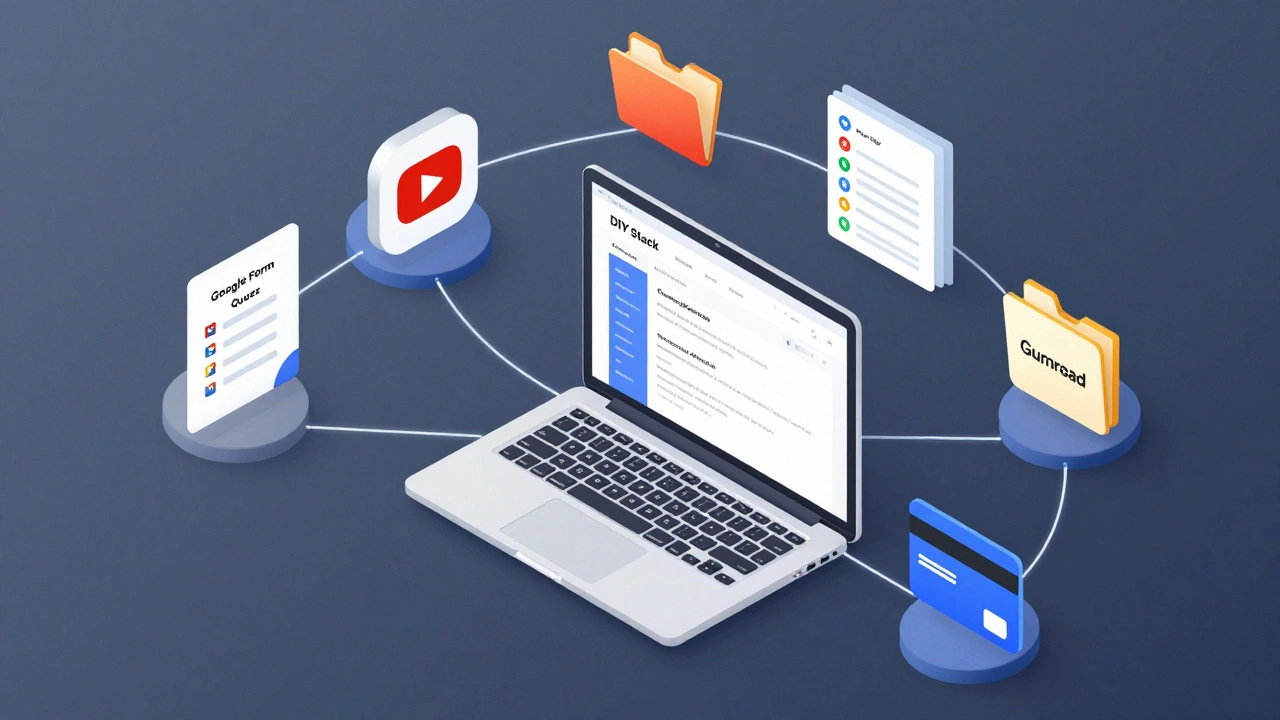
Since there is no all-in-one button, most serious educators who stick with the Google ecosystem use a combination of tools. This "stack" approach is common among corporate trainers and independent coaches who want to avoid monthly subscription fees for expensive LMS platforms.
Here is the typical workflow for building a course using only Google tools:
- Hosting Content: Lessons are stored as Google Docs or Google Slides in shared folders on Google Drive, cloud storage service that allows users to store files in the cloud, synchronize files across devices, and share files. This ensures version control and easy editing.
- Video Hosting: Video lectures are uploaded to YouTube, video-sharing platform owned by Google as "Unlisted" videos. This keeps them private while allowing easy embedding.
- Quizzes and Feedback: Assessments are built using Google Forms, web-based survey software created by Google. These can be set to accept responses only from specific email domains, adding a layer of security.
- Communication: Discussion happens in Google Groups or via Google Meet for live sessions.
- Access Control: This is the tricky part. Since Google doesn’t manage payments, you often use a third-party tool like Gumroad or Stripe to collect money, then manually add students to the Google Classroom or share the Drive folder permissions.
This method works, but it requires technical comfort. You are managing permissions, links, and user access manually. One wrong click on a sharing setting, and your paid content could end up public.
Google for Developers: The API Route
If you are a developer or have a tech team, the answer changes slightly. Google provides robust APIs that allow you to build custom learning interfaces on top of their infrastructure. The Google Classroom API allows applications to interact with Classroom data programmatically.
Some ed-tech companies have built their own front-end dashboards that connect to Google Classroom in the background. This gives them the best of both worlds: the reliability of Google’s backend and a branded, user-friendly frontend for their customers. However, this is not a solution for the average instructor. It requires coding knowledge, server maintenance, and ongoing development costs.
Why Google Doesn’t Build a Dedicated Course Platform
It’s worth asking why a company with Google’s resources hasn’t launched a competitor to Udemy or Skillshare. The answer lies in their business model. Google makes money from advertising and enterprise cloud contracts (Google Workspace for Education).
Entering the direct-to-consumer course market would put them in competition with their own partners. Many universities and corporations already pay for Google Workspace. If Google started taking a cut of every course sold, they might alienate these large B2B clients. Instead, they prefer to remain the neutral ground-the "pipes" through which education flows, rather than the gatekeeper collecting tolls.
Comparison: Google Stack vs. Dedicated LMS
To help you decide if the Google route is right for you, let’s compare the DIY Google approach against a dedicated Learning Management System like Teachable or Thinkific.
| Feature | Google Workspace Stack | Dedicated LMS (e.g., Teachable) |
|---|---|---|
| Cost | Free (or low cost for Workspace Pro) | $39-$499/month + transaction fees |
| Setup Time | High (manual configuration required) | Low (plug-and-play templates) |
| Payment Processing | None (requires third-party integration) | Built-in (Stripe/PayPal) |
| Student Experience | Fragmented (switching between apps) | Unified (single dashboard) |
| Certificates | Manual creation needed | Automated generation available |
| Customization | High (you build the flow) | Medium (limited to theme options) |
Who Should Use Google for Course Creation?
Not everyone needs a fancy platform. The Google stack is ideal for specific scenarios:
- Internal Corporate Training: If you are training employees, you don’t need to sell anything. You just need secure distribution. Google Workspace is perfect here because it integrates with your existing HR and IT systems.
- Bootstrapped Coaches: If you have zero budget and high technical skill, you can launch a course for free. You handle payments via PayPal links and host content on Drive.
- Teachers Supplementing Curriculum: Educators who already use Google Classroom for homework can easily add extra modules without switching platforms.
On the flip side, if you are launching a premium brand, selling high-ticket coaching, or need automated marketing funnels, Google will hold you back. The lack of native analytics, drip-feed content scheduling, and sales pages means you will spend more time fixing leaks than teaching.
Alternatives to Consider
If you realize the Google path is too fragmented, you don’t have to look far. The market is saturated with tools designed specifically for course creators. Here are three strong alternatives that fill the gap Google leaves:
- Teachable: Known for its ease of use. It handles hosting, payments, and certificates. It’s great for beginners who want to focus on content, not tech.
- Kajabi: A more comprehensive suite that includes email marketing and funnel building. It’s pricier but replaces several other tools.
- Moodle: An open-source LMS. If you want the customization of the Google stack but with actual LMS features, Moodle is the choice. However, it requires self-hosting and technical expertise.
Final Thoughts on Building with Google
Does Google have a course builder? No. But does it have the parts to build one? Yes. The decision comes down to your resources. Do you have time to configure permissions, link forms, and manage access manually? If so, Google offers a free, scalable foundation. If you value your time over saving $50 a month, a dedicated platform is likely the smarter investment.
Remember, the best tool is the one that gets your course published. Don’t get stuck in "tool paralysis." Pick a path, start creating, and iterate later.
Is Google Classroom free for creating online courses?
Yes, Google Classroom is free for individuals and schools. However, it does not include features for selling courses or processing payments. You would need to integrate third-party tools to monetize your content.
Can I sell courses directly through Google Drive?
No, Google Drive is a storage service, not a sales platform. While you can host your course materials there, you cannot process transactions or manage customer accounts directly within Drive. You must use an external payment processor and manually manage access.
What is the difference between Google Classroom and a dedicated LMS?
Google Classroom is designed for assignment distribution and basic communication in educational settings. A dedicated Learning Management System (LMS) like Teachable or Thinkific offers advanced features such as marketing funnels, automated certificates, detailed analytics, and integrated payment gateways.
Do I need Google Workspace for Business to use Google Classroom?
No, you can use Google Classroom with a personal Gmail account. However, for larger organizations, Google Workspace for Education or Business provides better administrative controls, increased storage, and enhanced security features.
Can I automate certificate issuance with Google tools?
Not natively. You would need to use Google Apps Script to create a custom automation that generates certificates based on quiz results in Google Forms. This requires programming knowledge and is not a standard feature for average users.
Is it safe to host paid course content on Google Drive?
It can be risky. If sharing settings are misconfigured, your content could become publicly accessible. Dedicated LMS platforms offer stricter access controls and DRM-like protections to prevent unauthorized sharing of paid materials.