
Course Fit Finder
Answer three quick questions to find the ideal course format and platform for your learning journey.
1. What is your primary goal?
Career Switch
Need hard skills for a new industryJob Enhancement
Master tools you already usePersonal Interest
Learning something fun or creative2. How do you learn best?
Visual & Auditory
Video lectures, animations, webinarsHands-On (Kinesthetic)
Coding sandboxes, labs, projectsReading & Writing
Text tutorials, PDFs, forums3. What is your budget preference?
Free Only
No financial pressure, self-pacedSubscription
Monthly fee for unlimited accessPremium One-Time
Invest in specific high-quality courseYour Recommended Learning Path
Recommended Platforms:
Walking into a digital classroom without a map is like trying to cook a complex meal with no recipe. You have the ingredients (the internet) and the kitchen (your computer), but you’re stuck staring at the stove wondering where to start. The question isn't just about finding online courses; it’s about finding the right fit for your specific brain, schedule, and goals.
Most people fail at online learning not because they are lazy, but because they picked the wrong format. A video-heavy course might bore someone who learns by doing, while a text-based tutorial might overwhelm someone who needs visual cues. Before you spend a dime or an hour, let's break down how to actually choose a course that sticks.
Define Your "Why" Before You Click "Enroll"
The biggest mistake beginners make is treating education like shopping. You see a shiny title-maybe "Python for Data Science" or "Digital Marketing Mastery"-and you buy it because it sounds impressive on a resume. But if you don't know exactly what problem you are solving, you will likely quit within two weeks.
Start by being brutally honest with yourself. Are you looking for:
- Career Switching: You need a hard skill to get hired in a new industry.
- Job Enhancement: You want to master a tool you already use at work to move up.
- Personal Interest: You just want to learn something fun, like photography or history.
If it’s for a career switch, look for courses that offer certificates recognized by employers. If it’s for personal interest, price matters less than passion. This distinction changes everything about which platform and instructor style you should prioritize.
Understanding Learning Styles: It’s Not Just a Buzzword
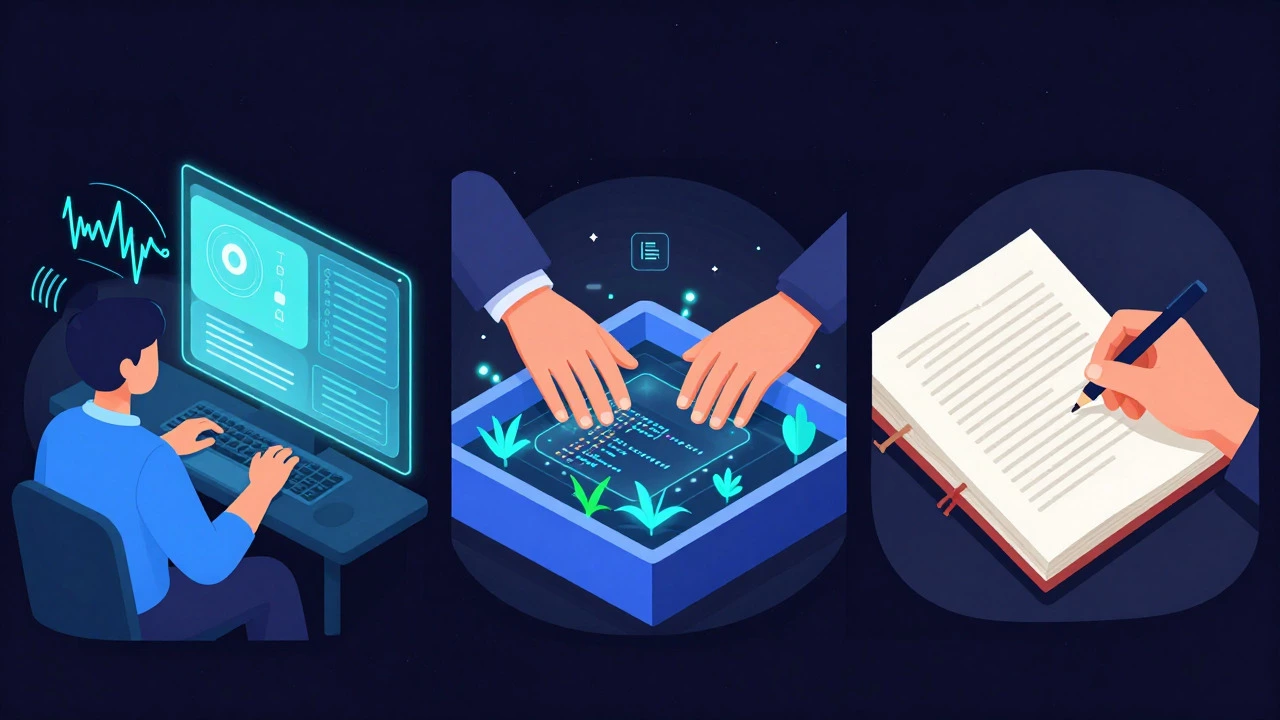
Every human processes information differently. While the old "VARK" model (Visual, Auditory, Reading/Writing, Kinesthetic) is debated in psychology, the practical application remains true: match the content delivery to how you retain info.
Here is a quick diagnostic to help you pick the right format:
| Learning Preference | Ideal Course Format | Platforms to Look For |
|---|---|---|
| Visual & Auditory | Video lectures with subtitles, animated diagrams, and live webinars. | Coursera, Udemy, MasterClass |
| Kinesthetic (Hands-on) | Interactive coding sandboxes, virtual labs, project-based assignments. | DataCamp, Codecademy, Pluralsight |
| Reading/Writing | Text-heavy tutorials, PDF guides, discussion forums, and written quizzes. | Alison, MIT OpenCourseWare, LinkedIn Learning |
If you hate sitting still, avoid long-form video lectures. Instead, look for platforms that force you to type code or solve problems immediately after a short explanation. Conversely, if you struggle to focus during live streams, pre-recorded content allows you to pause, rewind, and take notes at your own pace.
Evaluating Platform Credibility vs. Accessibility
Not all online courses are created equal. There is a massive difference between a university-backed course and a YouTube tutorial repackaged as a premium product. For beginners, this distinction can be confusing.
MOOCs (Massive Open Online Courses) are large-scale online courses typically offered by universities and colleges to anyone with an internet connection. Platforms like Coursera and edX partner with institutions such as Stanford University and Harvard. These courses often have rigorous grading and peer-reviewed assignments. They are ideal if you need academic credibility.
On the other hand, marketplaces like Udemy or Skillshare host independent creators. The quality varies wildly. One instructor might be a world-class expert, while another might be selling outdated information. When choosing from these platforms, always check the review count and date. A course with 5,000 reviews averaging 4.5 stars is generally safer than one with 10 reviews, regardless of the price.
Corporate-focused platforms like LinkedIn Learning or Pluralsight often provide structured paths. They tell you exactly what to learn next based on your role. This removes decision fatigue, which is a huge benefit for beginners who feel overwhelmed by choice.
The Cost Factor: Free vs. Paid
Does paying more guarantee better learning? Not necessarily. In fact, some of the best foundational knowledge is available for free.
Free resources, such as Khan Academy or library-accessible databases, remove the financial pressure. You are less likely to feel guilty about pausing or skipping a module if you didn't spend money. However, paid courses often come with accountability features: deadlines, proctoring, and direct access to instructors for Q&A.
For technical skills, interactive platforms often charge a subscription fee. This model works well because it gives you unlimited access to a library of projects. If you are serious about becoming a developer, a subscription service that provides daily challenges is often more effective than a one-time purchase video course that sits in your inbox gathering dust.
Building a Sustainable Study Routine
Choosing the course is only half the battle. The other half is actually finishing it. Most beginners burn out because they try to cram three hours of study into their evening after a full day of work.
Instead, aim for consistency over intensity. Here is a realistic routine for a busy professional:
- Schedule it like a meeting: Block out 30-45 minutes in your calendar. Treat it as non-negotiable.
- Use the Pomodoro Technique: Study for 25 minutes, take a 5-minute break. Repeat four times, then take a longer break.
- Apply immediately: Don't just watch or read. Spend the last 10 minutes of your session applying what you learned to a small real-world task.
Active recall beats passive consumption. If you are taking a language course, speak the words aloud. If you are learning marketing, write a mock campaign brief. The act of producing output cements the knowledge far better than passively consuming input.

Common Pitfalls to Avoid
Even with the best intentions, beginners often fall into traps that derail their progress.
Collectionitis: This is when you enroll in five different courses on the same topic because you think one won't be enough. Stick to one primary resource until you finish it. Depth beats breadth for beginners.
Ignoring Community: Online learning can feel isolating. Join the Discord servers, Reddit threads, or Facebook groups associated with your course. Asking questions and seeing others' struggles normalizes the difficulty curve.
Waiting for Perfection: You don't need to understand every single detail before moving on. Get a general grasp, apply it, and circle back later if needed. Perfectionism is the enemy of completion.
Frequently Asked Questions
How long does it take to complete a beginner online course?
It depends on the subject and your pace. A basic introductory course in a soft skill area might take 10-15 hours total. Technical courses like coding or data analysis can take 40-80 hours to reach a job-ready level. Set a weekly time commitment rather than a deadline to reduce stress.
Are certificates from online courses worth anything?
Yes, but context matters. Certificates from major universities via MOOCs carry weight for entry-level roles. Certificates from specialized tech platforms signal practical skill proficiency. For creative fields, a portfolio built during the course is often more valuable than the certificate itself.
What is the best platform for absolute beginners with no experience?
If you are unsure of your path, start with a broad platform like Coursera or Alison to explore topics. If you know you want to code, go straight to an interactive platform like Codecademy or DataCamp. Avoid generic video libraries until you have identified a specific niche you enjoy.
Do I need a special computer to take online courses?
For most business, language, and humanities courses, any laptop or tablet with a stable internet connection is sufficient. For heavy technical fields like 3D animation or machine learning, you may need a more powerful machine with a dedicated graphics card and ample RAM.
How do I stay motivated when I hit a difficult part of the course?
Remember that confusion is part of the learning process. Break the difficult section into smaller chunks. Use the community forums to ask questions. Often, explaining the problem to someone else clarifies your own understanding. Also, remind yourself why you started the course in the first place.